Building Secure Role-Based Access with Supabase
A practical approach to role-based access control that holds up under real audits, not just a demo login.
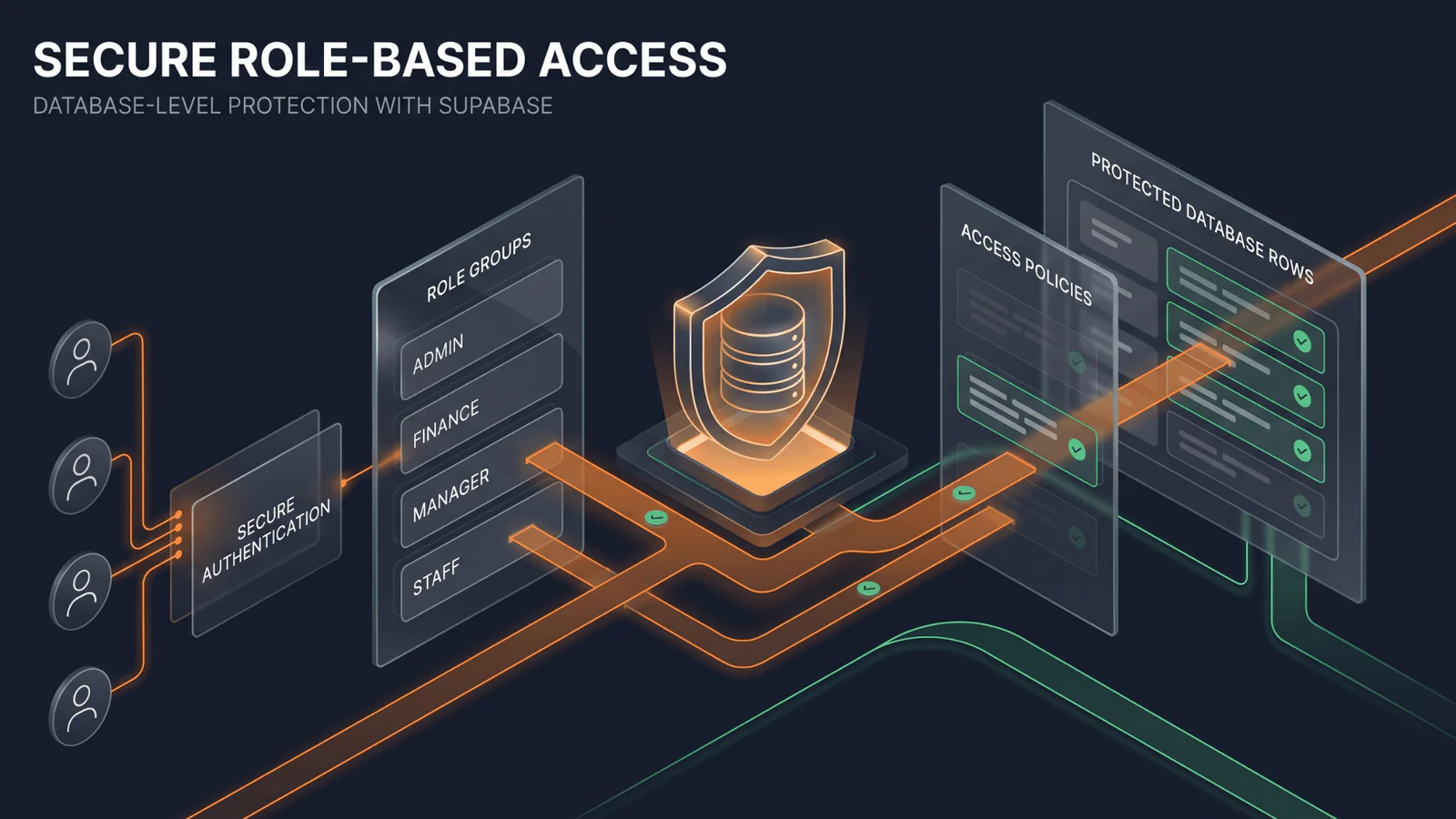
Role-based access control is easy to fake and genuinely hard to get right. The difference shows up the first time someone tries to access something they shouldn't — and either can't, or can.
Row-level security belongs in the database, not just the UI
Hiding a button for unauthorized users is a UX decision, not a security boundary. Real access control has to be enforced at the database layer — Supabase's row-level security policies mean even a direct API call can't bypass what a hidden button merely discourages.
Roles should map to real jobs, not generic tiers
"Admin, editor, viewer" is a convenient default, but it rarely matches how a real business actually splits responsibility. Finance staff, sales staff and warehouse staff need different, specific slices of the same data — modeling that precisely up front avoids a painful permissions rewrite later.
- Write RLS policies as the source of truth; UI restrictions are a convenience layer on top, not the boundary itself.
- Test access control from an unauthorized account's perspective, not just the authorized one.
- Log permission denials — they're often the first sign of a policy that's wrong, not just a user doing something unusual.
The audit question
Before launch, ask: if I gave an auditor direct database access, could they see who could see what, and why? If the answer requires reading application code, the access model needs a rework.
The takeaway
Real role-based access control lives in the database's enforcement layer, mapped to how the business actually splits work — not in a set of hidden buttons that happen to match a demo script.
Does this topic connect with a product or challenge in your team?
Let’s discuss your product needs, architecture or workflows.
